Essentials
Exception handling
Whenever an exception occurs in your application, it is automatically caught and processed by Expanse's exception handling system. This system is responsible for converting exceptions into appropriate HTTP responses that can be sent back to the client.
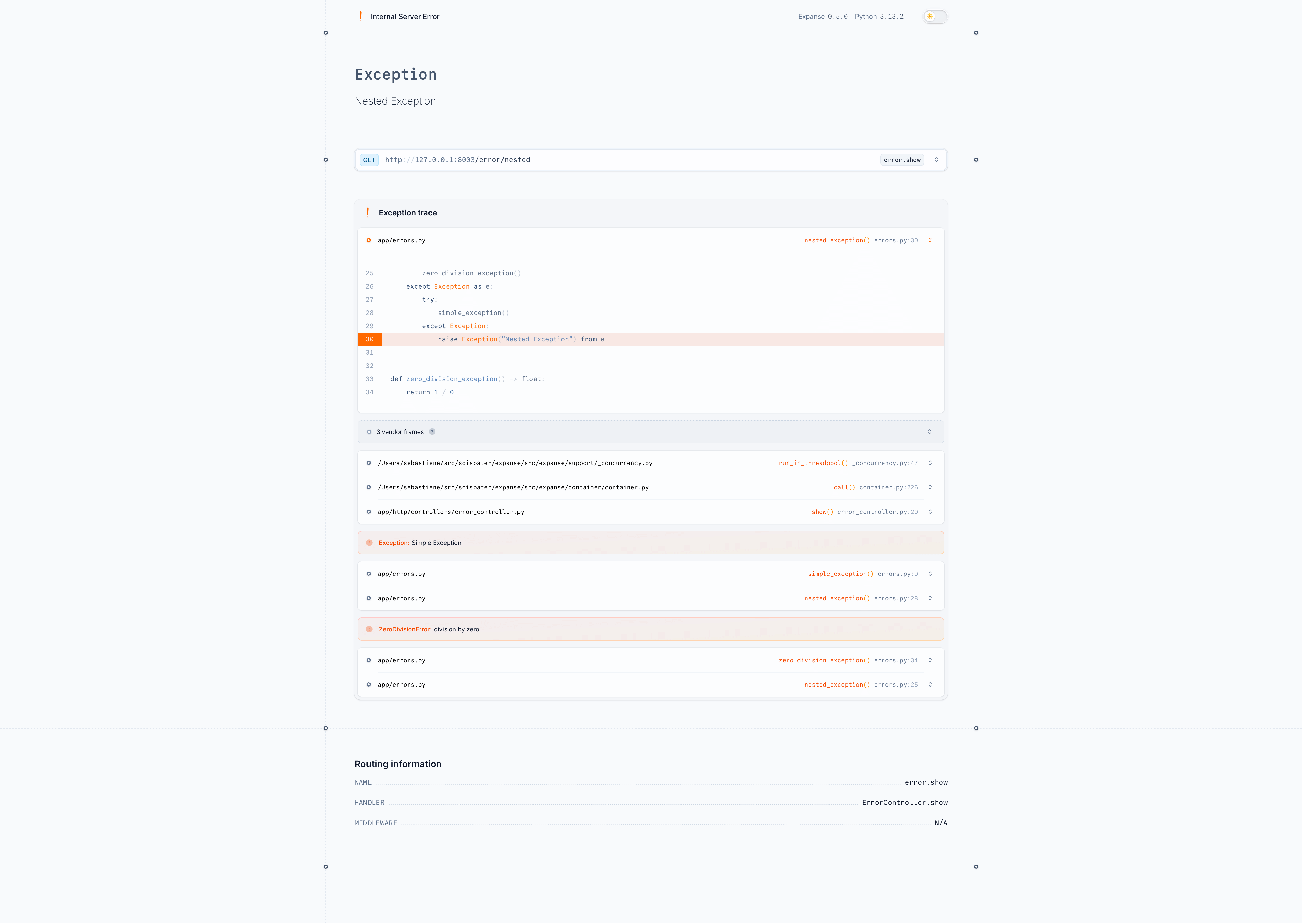
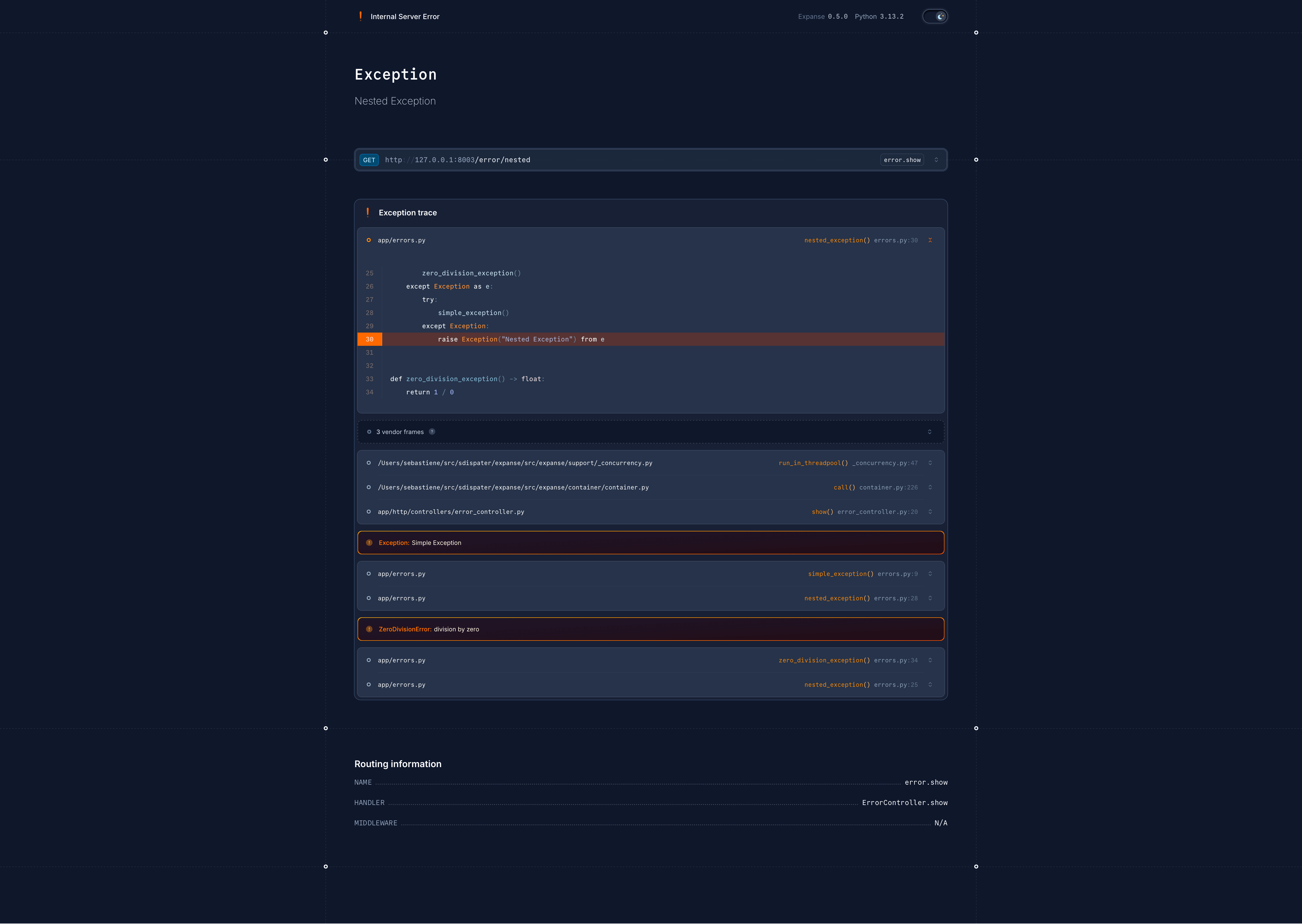
If your application is in debug mode (i.e., the APP_DEBUG configuration setting is set to true), Expanse will return
a detailed error page — or a detailed JSON response — that includes the exception message, stack trace, and other useful
information for debugging, even for HTTP exceptions.
HTTP exceptions
HTTP exceptions are a special type of exception that represent HTTP errors, such as "404 Not Found" or "500 Internal
Server Error". These errors can be generated explicitly by your application code anywhere by using the HTTPException
class
or by using the abort() helper:
from expanse.core.http.exceptions.http_exception import HTTPException
from expanse.http.helpers import abort


def index() -> None:
    # Raising an HTTP exception directly
    raise HTTPException(404, "The requested resource was not found.")

    # Or using the abort() helper
    abort(403, "You do not have permission to access this resource.")
HTTP error responses
When an HTTP exception is raised, Expanse will convert it into an appropriate HTTP response with the corresponding
status code and message, the actual format of the response will depend on the Accept header of the incoming request.
JSON error responses
If the request accepts application/json, Expanse will return a JSON response with the following structure:
{
  "message": "The requested resource was not found."
}
Note that if your application is in debug mode, the JSON response will also include additional information about the exception, such as the stack trace.
HTML error pages
In other cases, Expanse will return a default HTML error page that displays the error message and status code.
If you need to customize the error pages for specific HTTP status codes, you can create custom views in the
views/errors directory of your project. For example, to create a custom 404 error page, you can create a 404.jinja2
file in the
views/errors directory:
<html lang="en">
  <head>
    <meta charset="UTF-8">
    <meta name="viewport" content="width=device-width, initial-scale=1.0">
    <title>404 Not Found</title>
  </head>
  <body>
    <h1>404 Not Found</h1>
    <p>The page you are looking for could not be found.</p>
  </body>
</html>